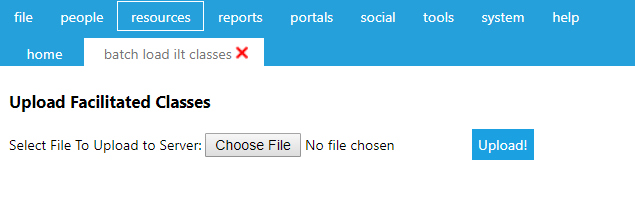
To upload an Excel spreadsheet for Batch Load ILT Classes, go to Resources > Batch Load ILT Classes in the administrative console.
The following screen will appear:
Click the Choose File button and navigate to the Excel file on your computer. Once you have selected the file and it shows in the Batch Load ILT Classes screen, click the Upload! button.
The file will be uploaded and its contents displayed on the screen. The Status column identifies which rows of data were successfully uploaded and which had failures.
Rows with data failures will be identified and will not be saved. The following errors will be identified:
Click Save to record the data.
For each course and class specified, the system will use the "Start Date" and "Start Time" to define a unique class. If identical start dates/times are provided for different classes in different locations, they should be uploaded in a different file.
If the class does not already exist, the system will create it using the data supplied. The system will provide the following default values for the class:
If the credit column contains a "Y" the system will grant credit to this participant using the date of the class, and the amount of time specified for the class.