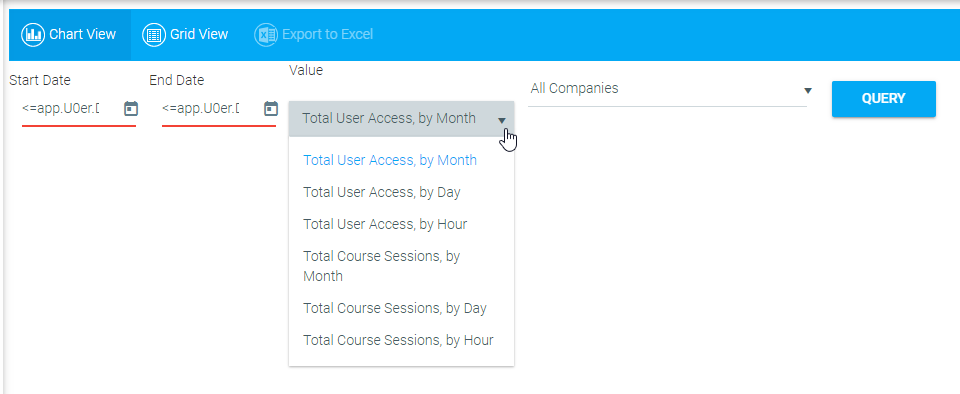
To view system usage, go to System > View System Usage in the Navigation Bar of the Administrator's Console.
Click the Calendar icons to select a Start Date and End Date for your query and use the drop-down menu to select a Value query to run.
Available options include:
Each option is available by hour, by date, and by month.
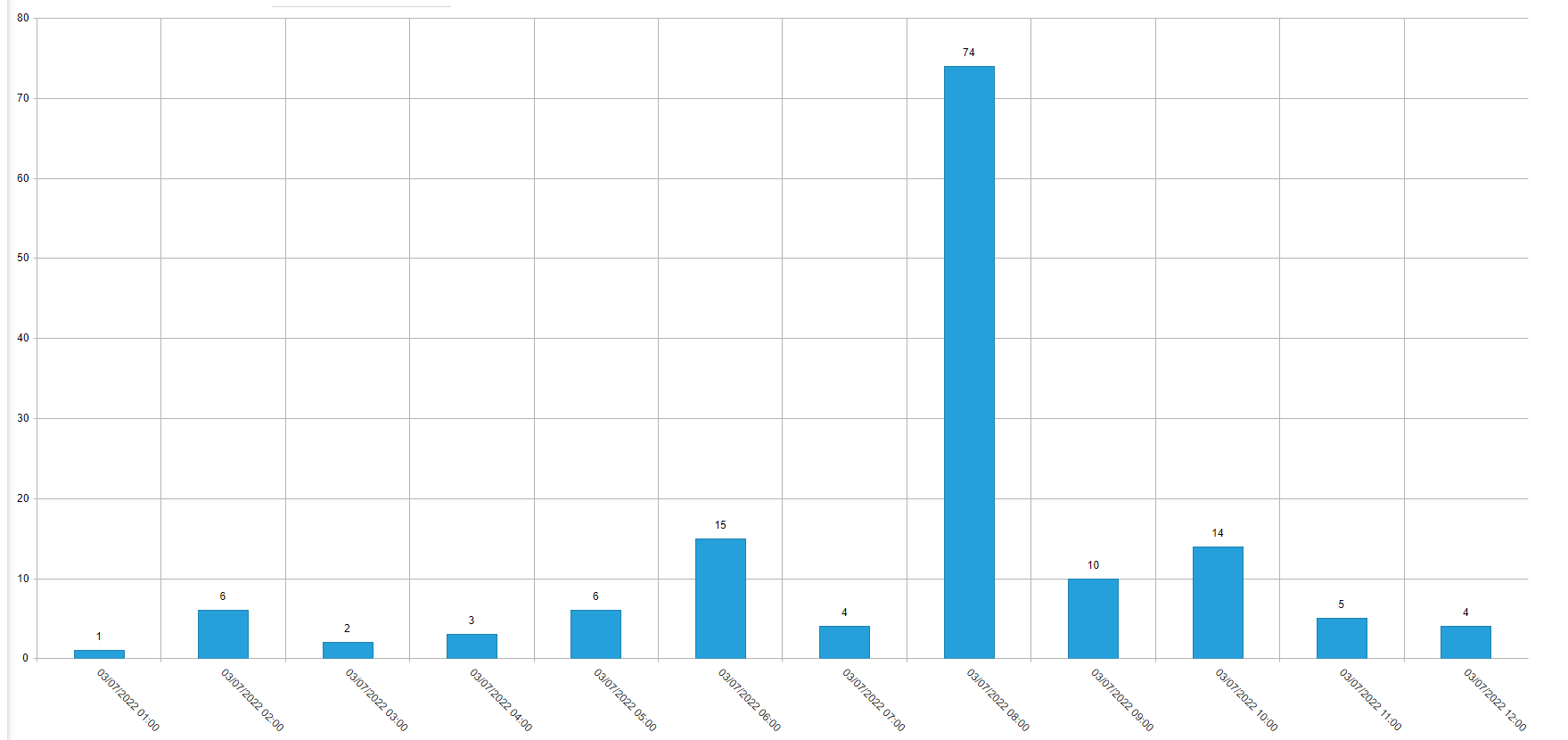
Click the Query button. The requested set of statistics will display on the screen as a bar graph.
To view the results as a list, click the Grid View button in the toolbar.
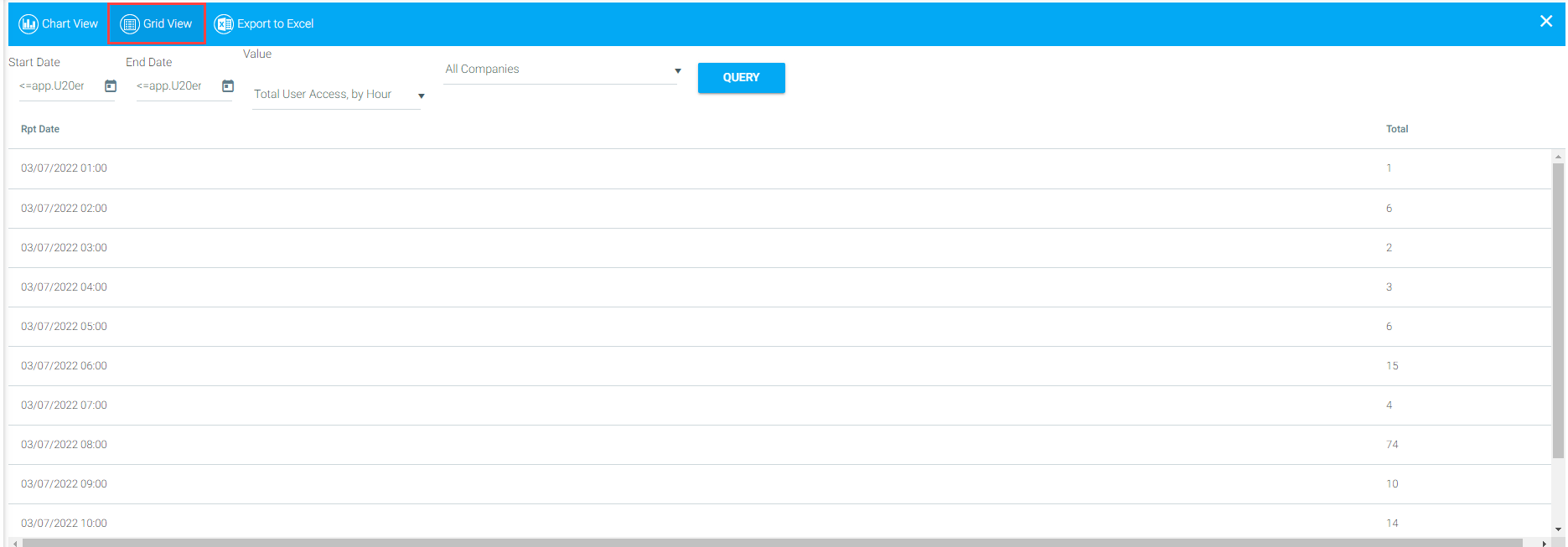
To export the raw data from either screen into Microsoft Excel, click the Export to Excel button in the toolbar. Follow the prompts in the pop-up window to save and display the requested set of statistics in your version of Microsoft Excel.
