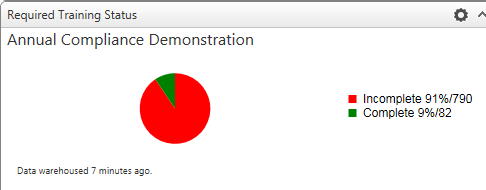
The Required Training Status widget allows you to select one course and display its overall completion status for everyone in a required audience for that course.
The Settings tab allows you to select the course and graph title.
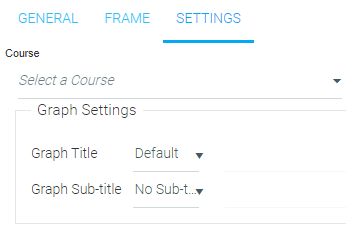
Begin typing the name of the desired course in the Course field. Select the desired course when it appears in the drop-down menu.
You can leave the graph without a title or enter one by selecting "Custom" in the Graph Title drop-down menu.
The Graph Sub-title drop-down menu allows you to use nothing, the date range, or custom text.