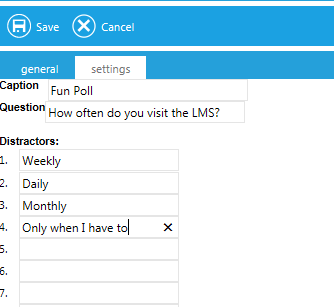
This widget allows an administrator to create a poll question. Once a user has answered the poll question, they will see the results of the poll. Each user will only be allowed to answer a poll question one time.
The Settings tab allows you to customize the poll to be offered.
Click Save when you have entered all of the information.
Initially the user will see the question and answer options displayed in the widget.
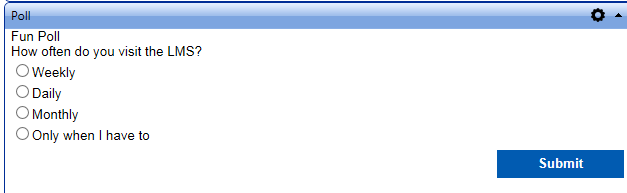
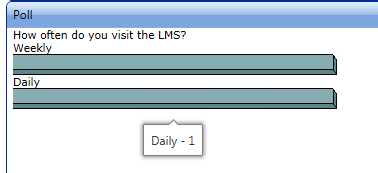
Once the user has answered the question and clicked Submit, they will only see the results of the poll. Over time the results should change as more users answer the question.
A user can hover over each answer bar to see exactly how many people have given the selected answer.
There is no way to run a report or to determine exactly who gave a specific answer.